文章目录
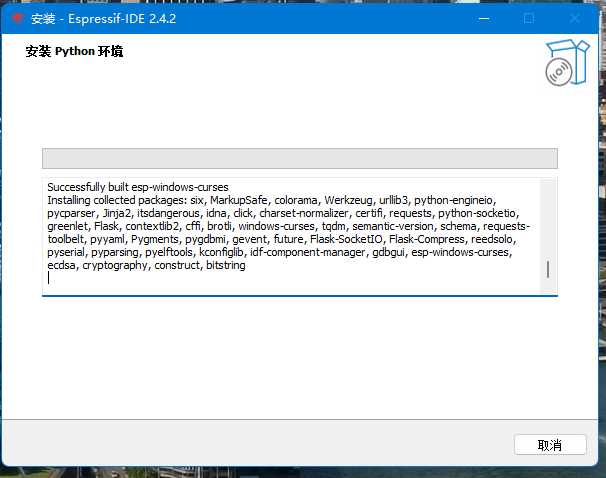
- 现在安装包并安装,建议使用离线安装包(问就是在线安装包搞了一天都没配置成功)。 https://dl.espressif.com/dl/esp-idf/?idf=4.4 VSCODE插件安装Espressif IDF,并选择USE EXISTING SETUP继续配置即可。
- 下载固件 https://www.micropython.org/download/esp32c3/ 擦除flash esptool --chip esp32-c3 --port COM4 erase_flash 烧录固件 esptool --chip ESP32-C3 --port COM4 --baud 460800 write_flash -z 0x0 .\esp32c3-20220117-v1.18.bin 软件的话还是建议使用Thonny
- from machine import Pin, I2C import time led1=Pin(12,Pin.OUT) led2=Pin(13,Pin.OUT) while True: led1.on() time.sleep(0.1) led1.off() led2.on() time.sleep(0.1) led2.off()
- ESP32-MicroPython相关函数参考
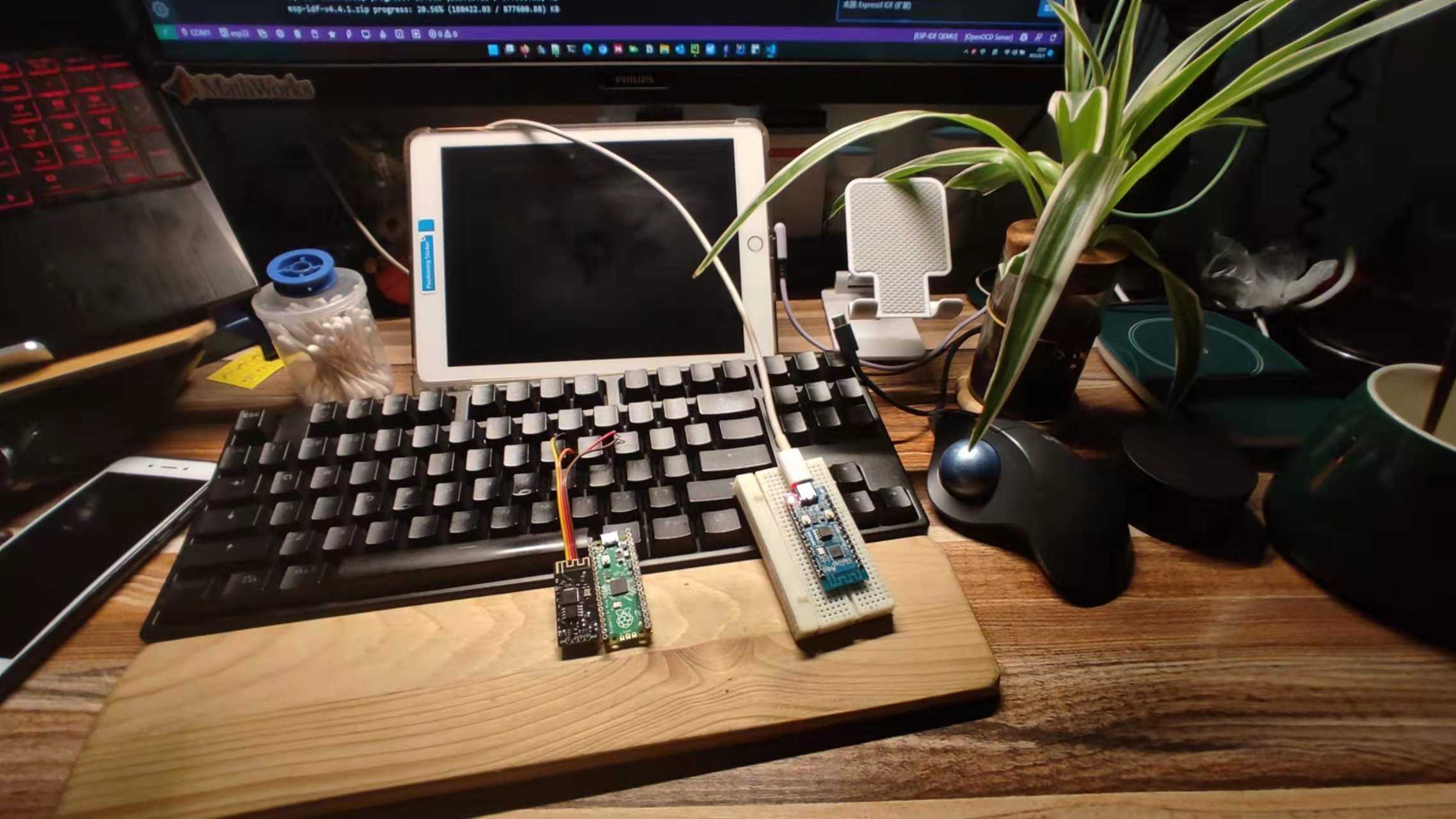
最近随手买了一个ESP32-C3的硬件,到手后发现居然板载WiFi&BT,还是C口的。价格也是Arduino-pico+无线模块两个之加个和的1/4左右,感觉还不错就尝试配置了一下环境。
- 现在安装包并安装,建议使用离线安装包(问就是在线安装包搞了一天都没配置成功)。
- https://dl.espressif.com/dl/esp-idf/?idf=4.4
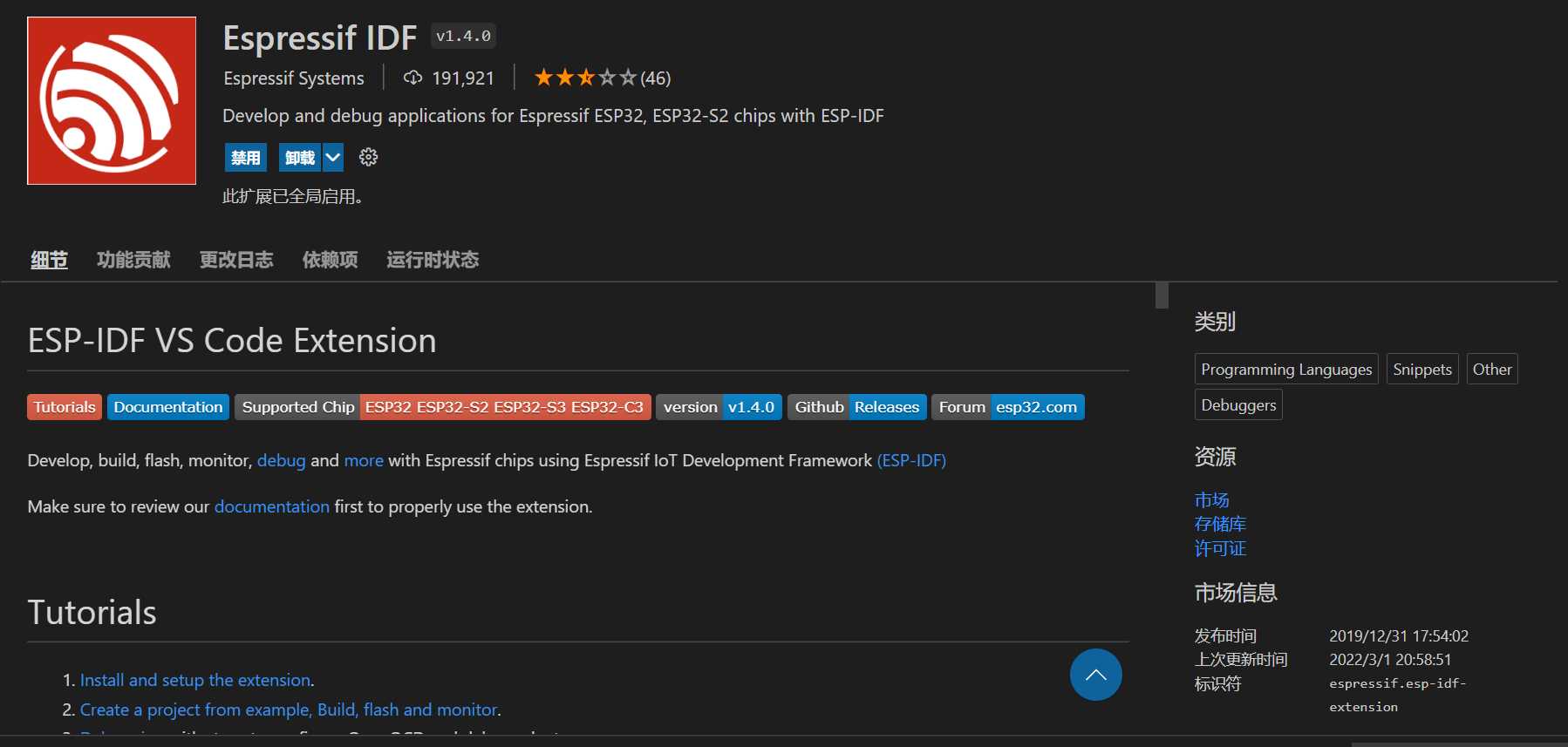
- VSCODE插件安装
Espressif IDF,并选择USE EXISTING SETUP继续配置即可。

- 下载固件 https://www.micropython.org/download/esp32c3/
-
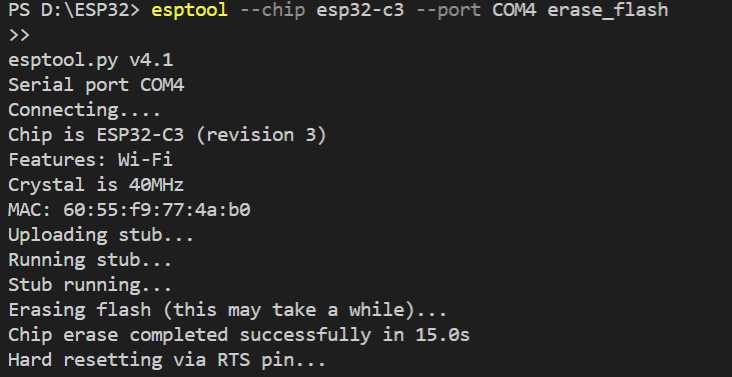
擦除flash
esptool --chip esp32-c3 --port COM4 erase_flash
擦除flash
esptool --chip esp32-c3 --port COM4 erase_flash
- 烧录固件
esptool --chip ESP32-C3 --port COM4 --baud 460800 write_flash -z 0x0 .\esp32c3-20220117-v1.18.bin
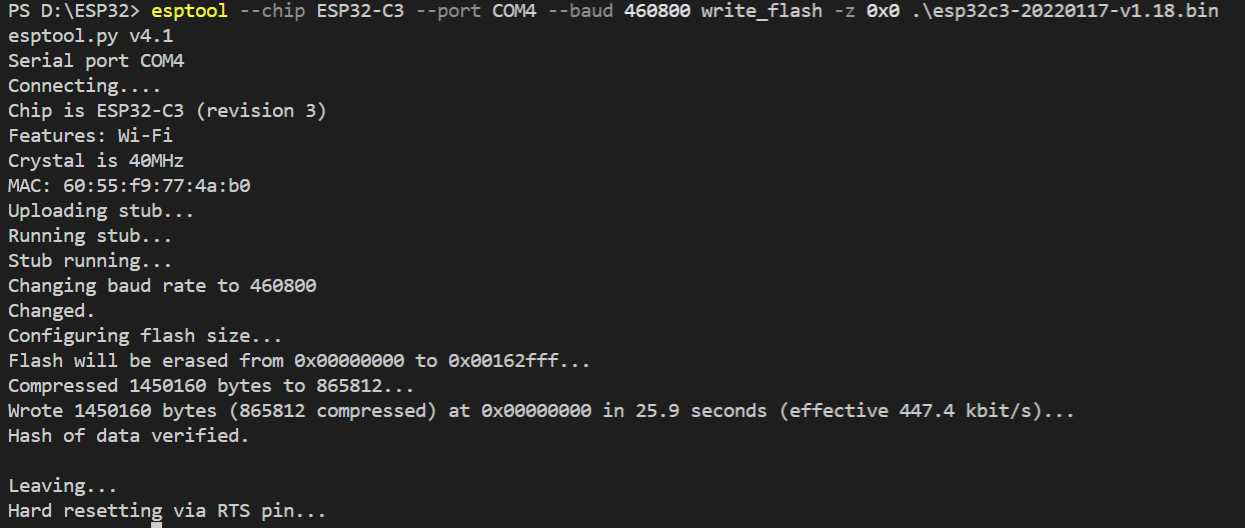
- 软件的话还是建议使用Thonny
from machine import Pin, I2C
import time
led1=Pin(12,Pin.OUT)
led2=Pin(13,Pin.OUT)
while True:
    led1.on()
    time.sleep(0.1)
    led1.off()
    led2.on()
    time.sleep(0.1)
    led2.off()
from machine import Pin, I2C
import time
led1=Pin(12,Pin.OUT)
led2=Pin(13,Pin.OUT)
while True:
led1.on()
time.sleep(0.1)
led1.off()
led2.on()
time.sleep(0.1)
led2.off()